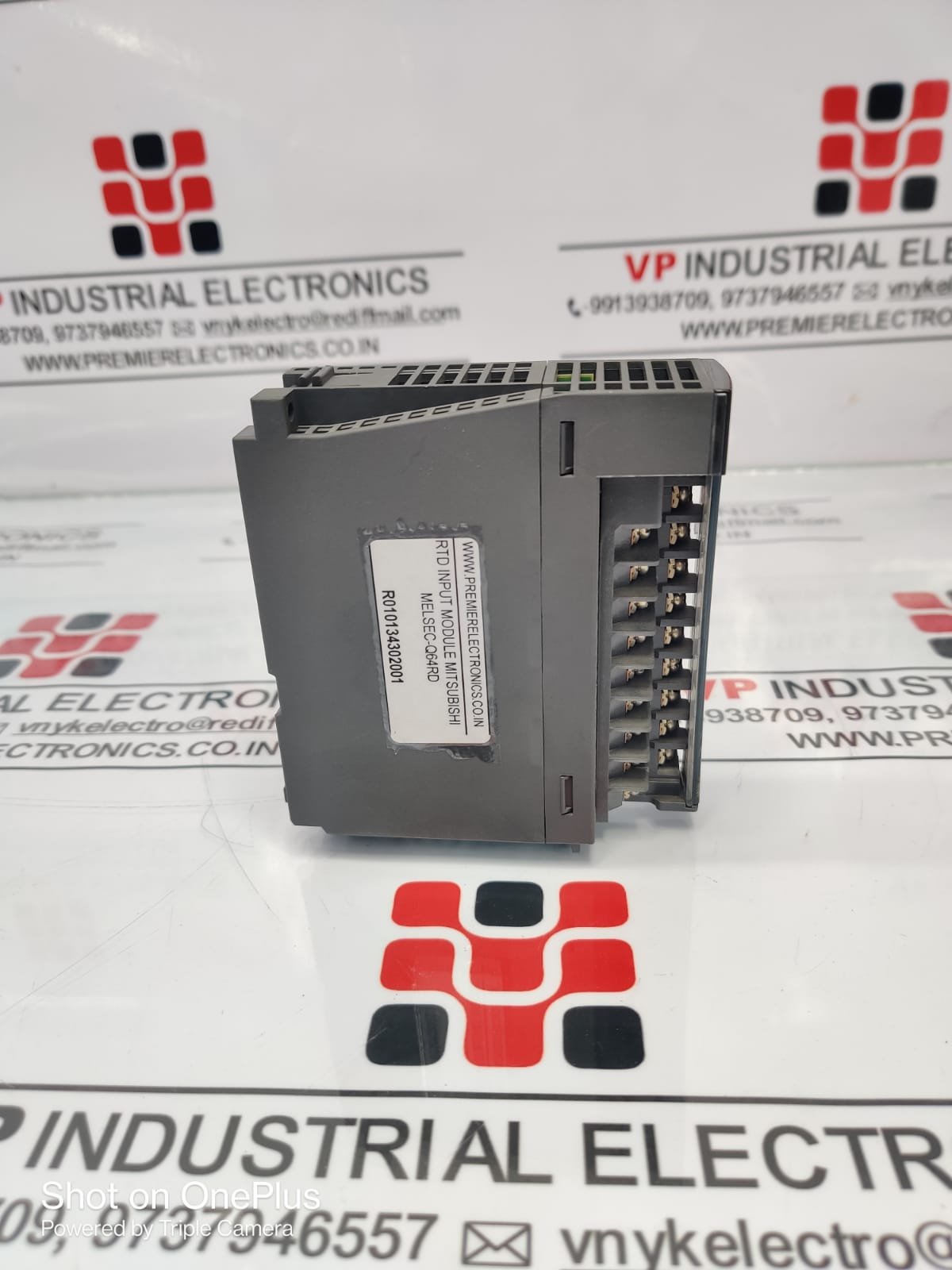
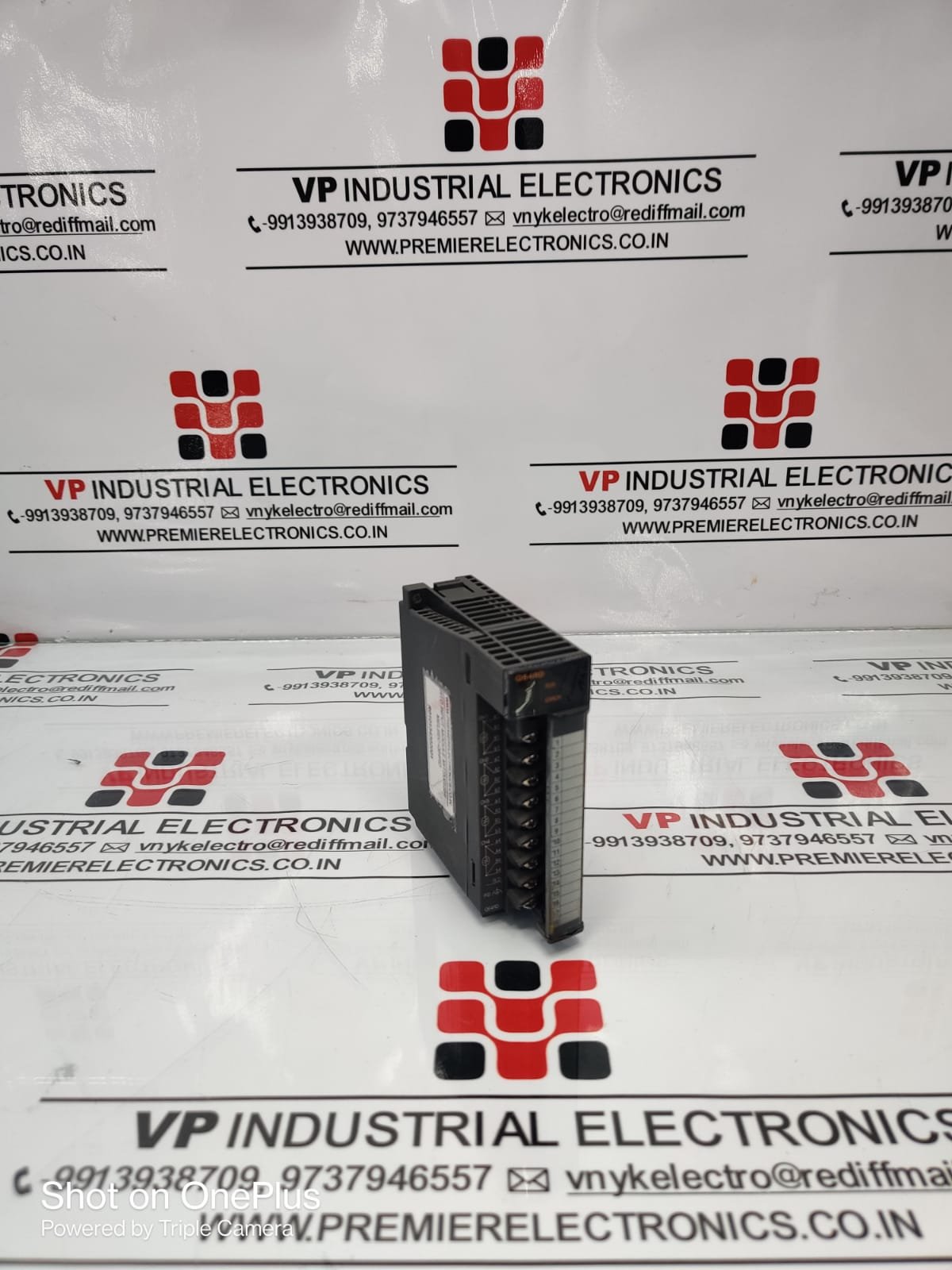
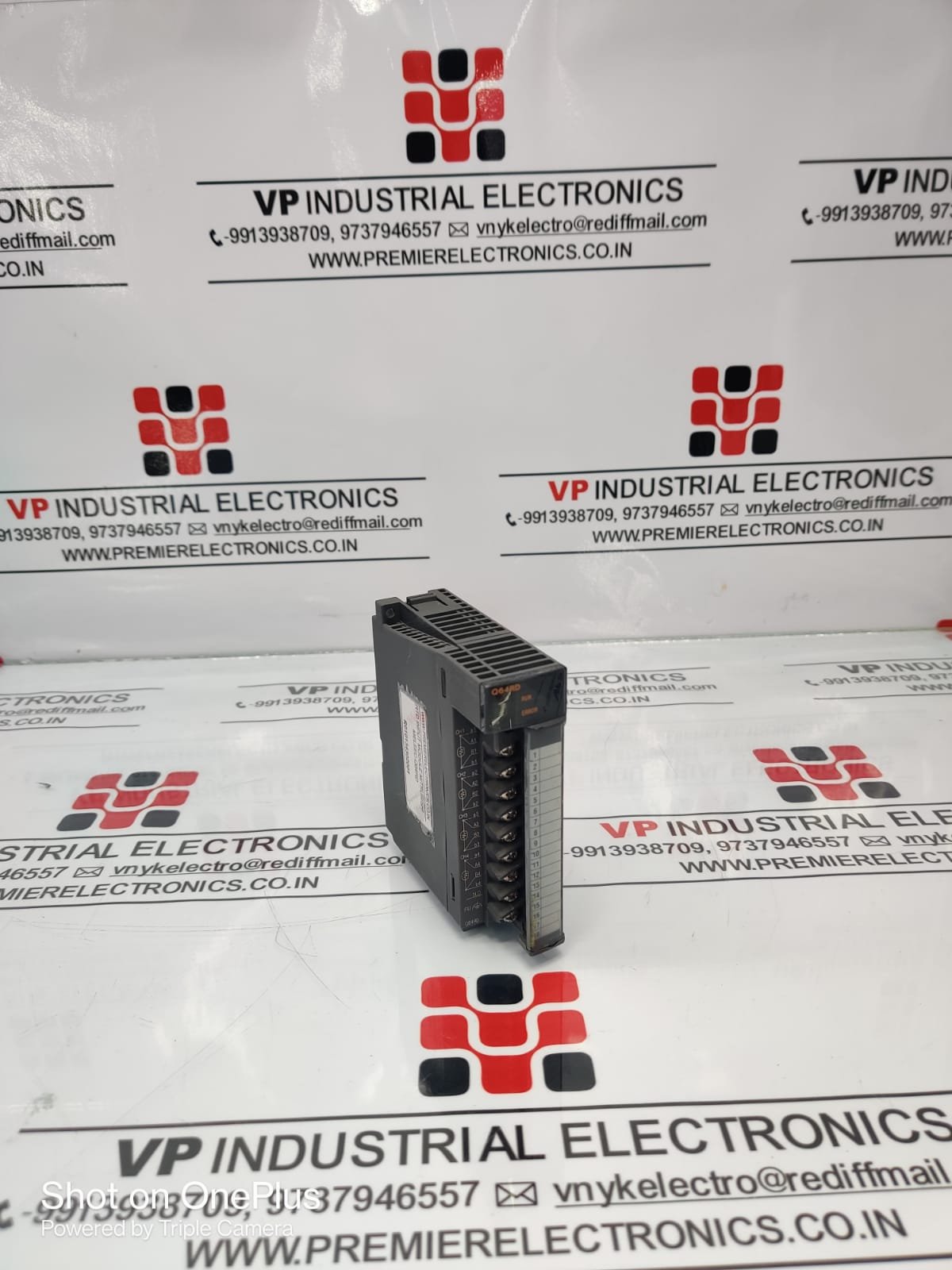
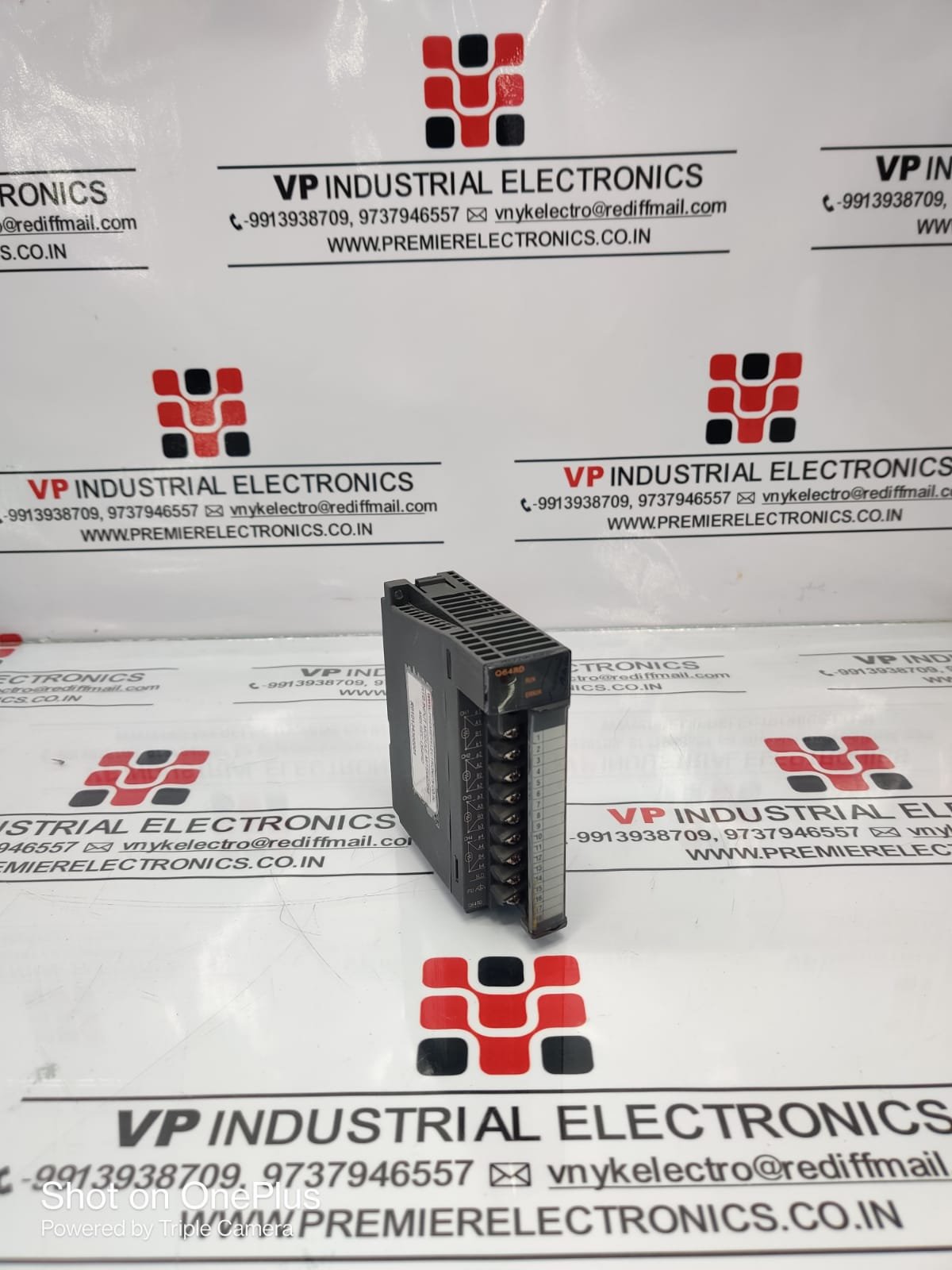
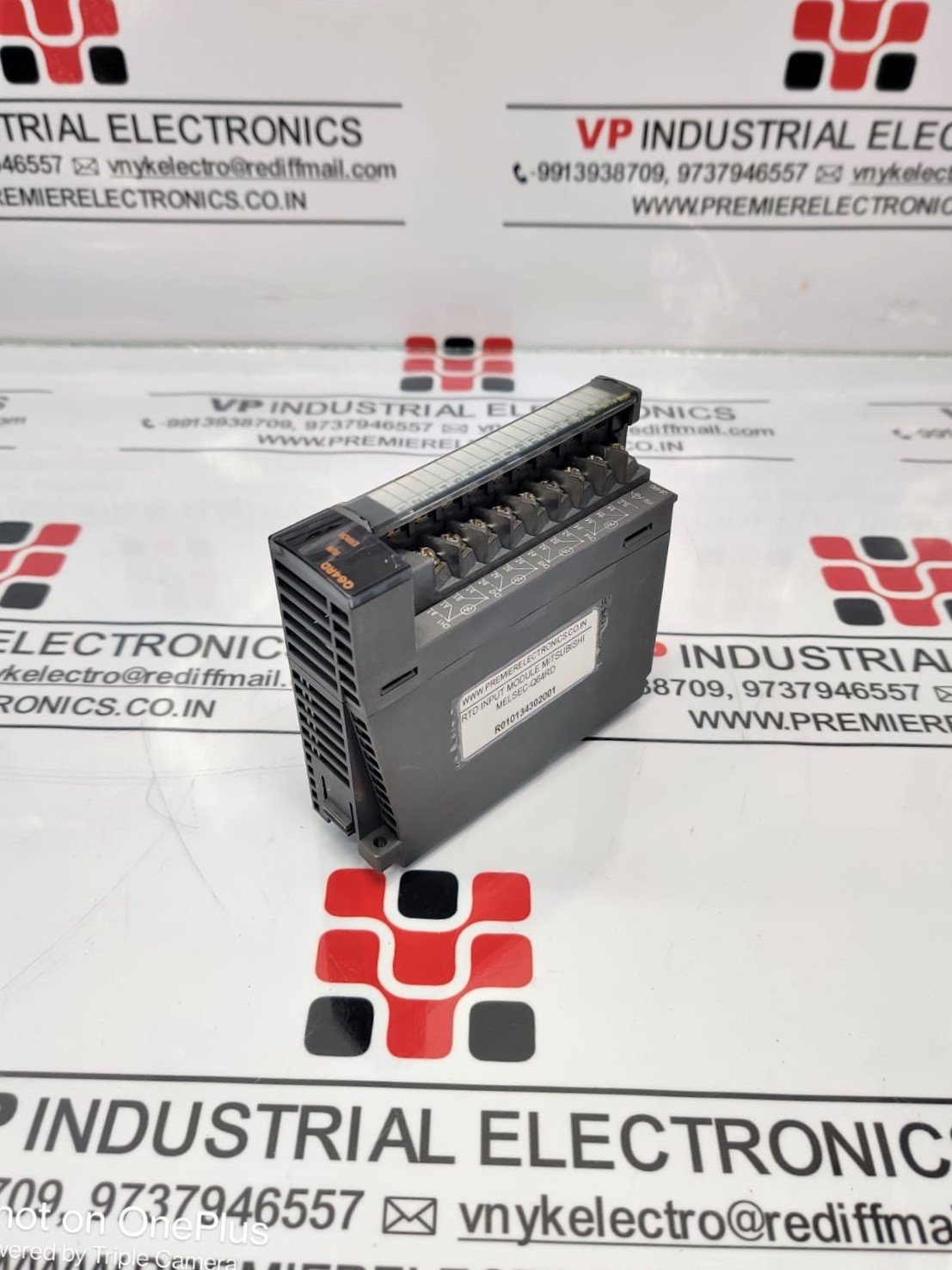
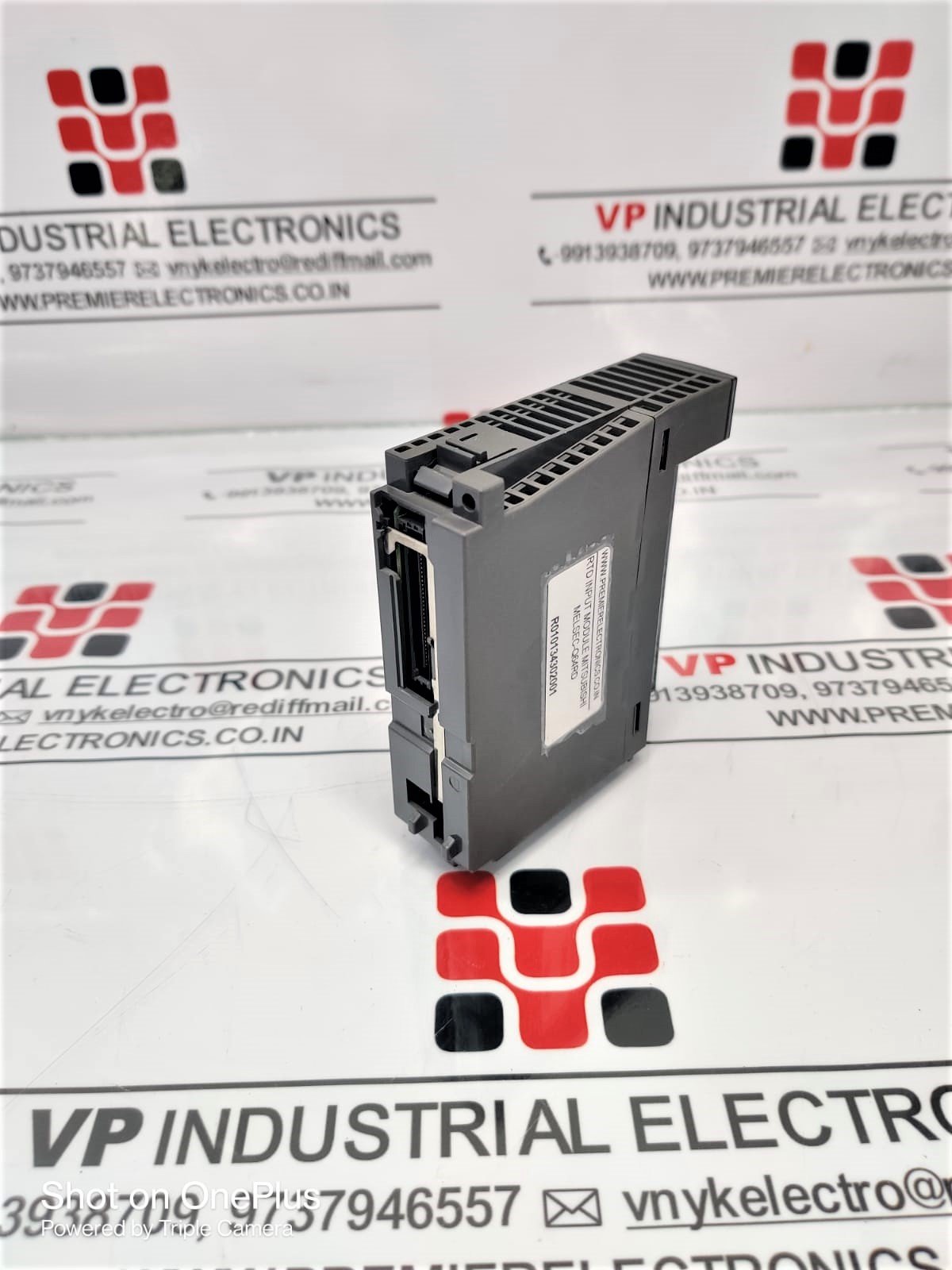
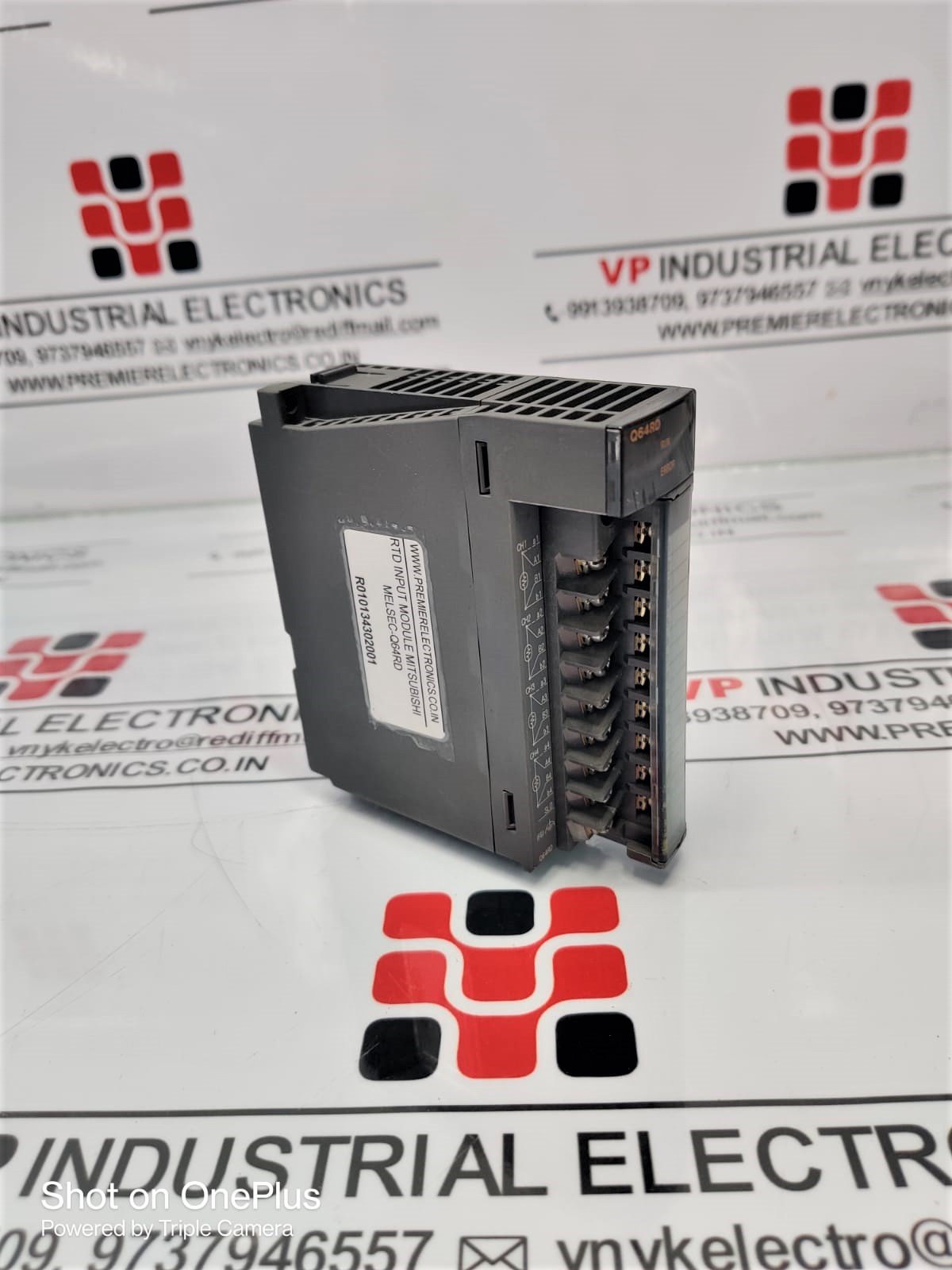
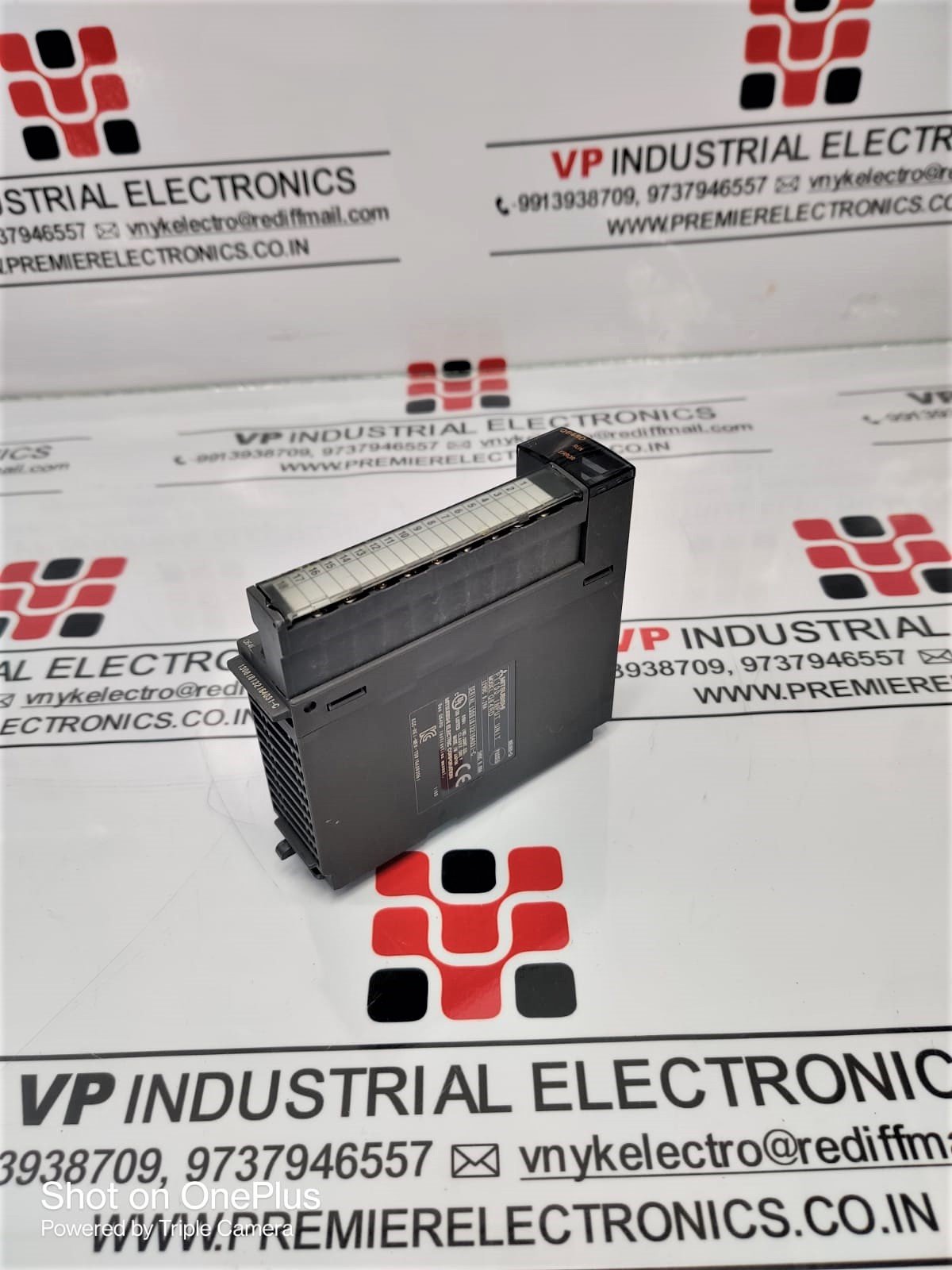
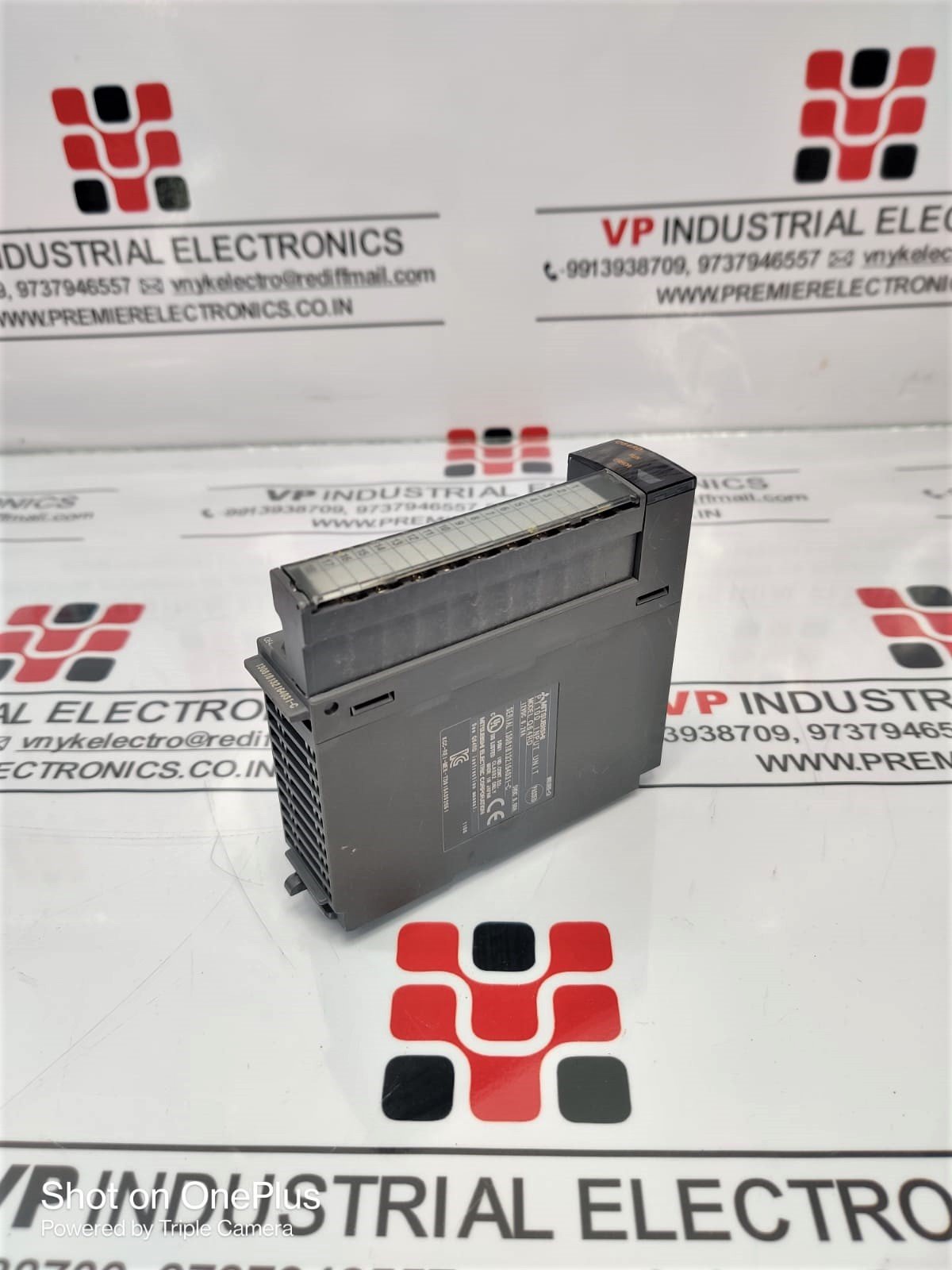
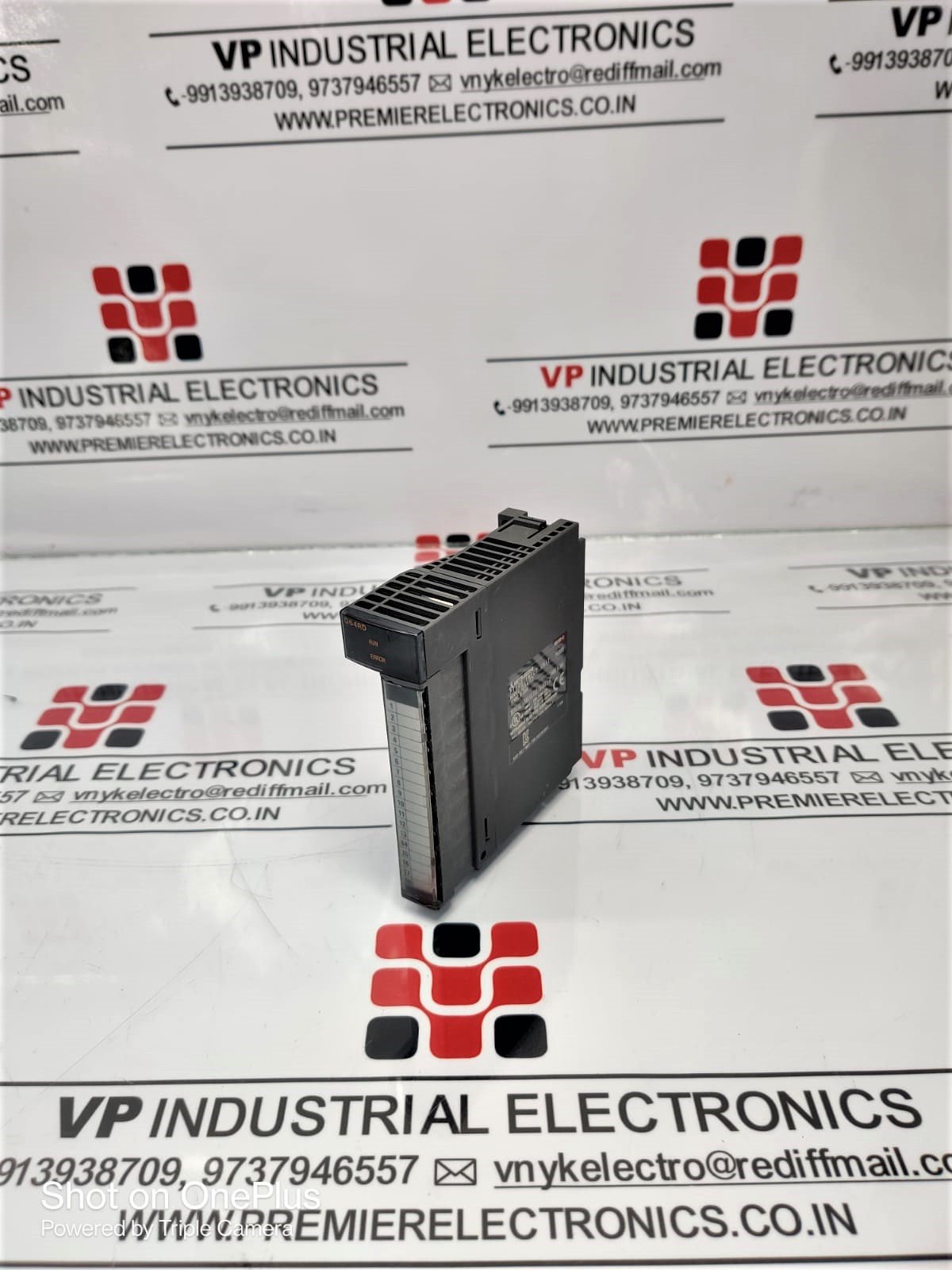
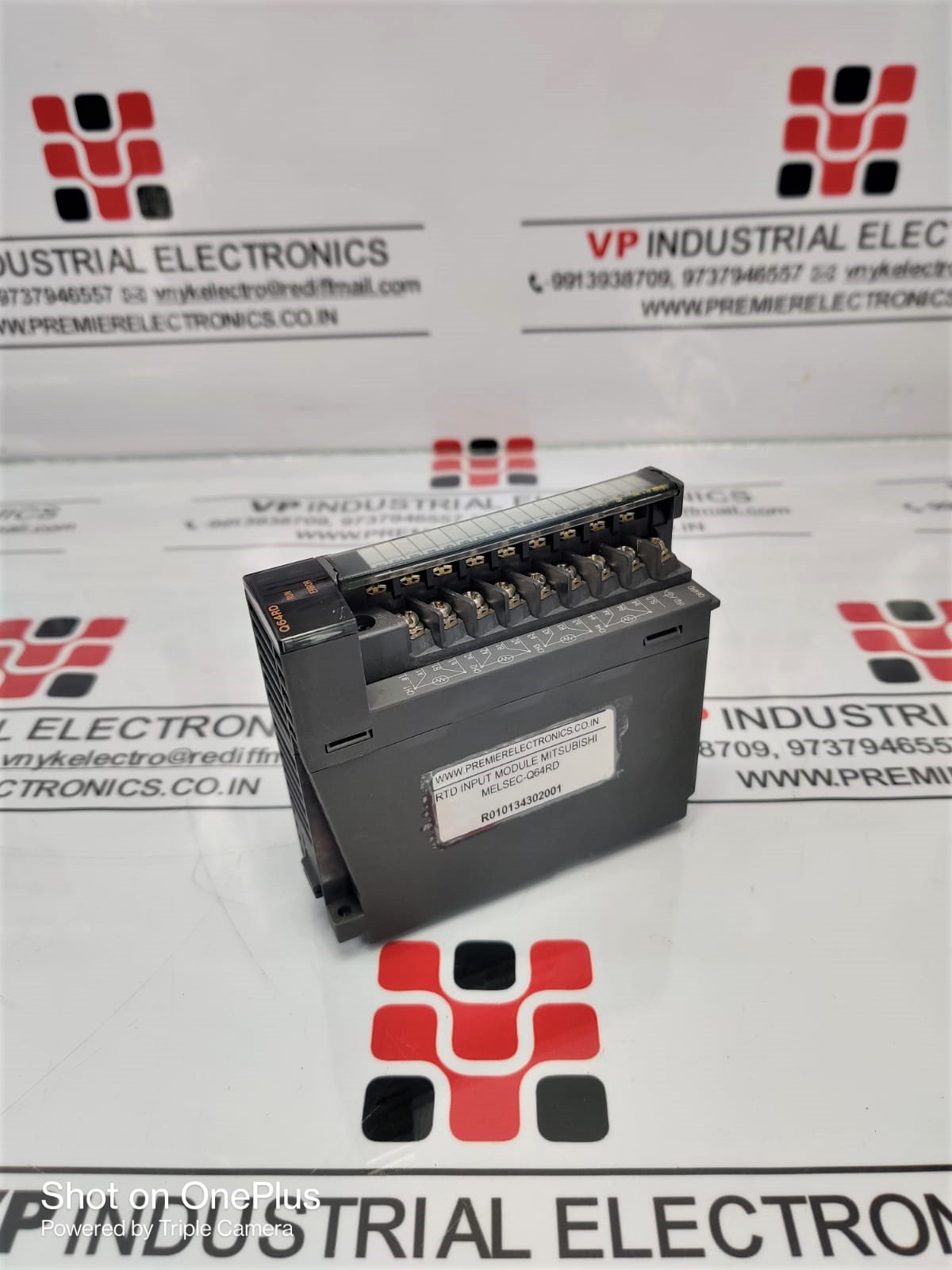
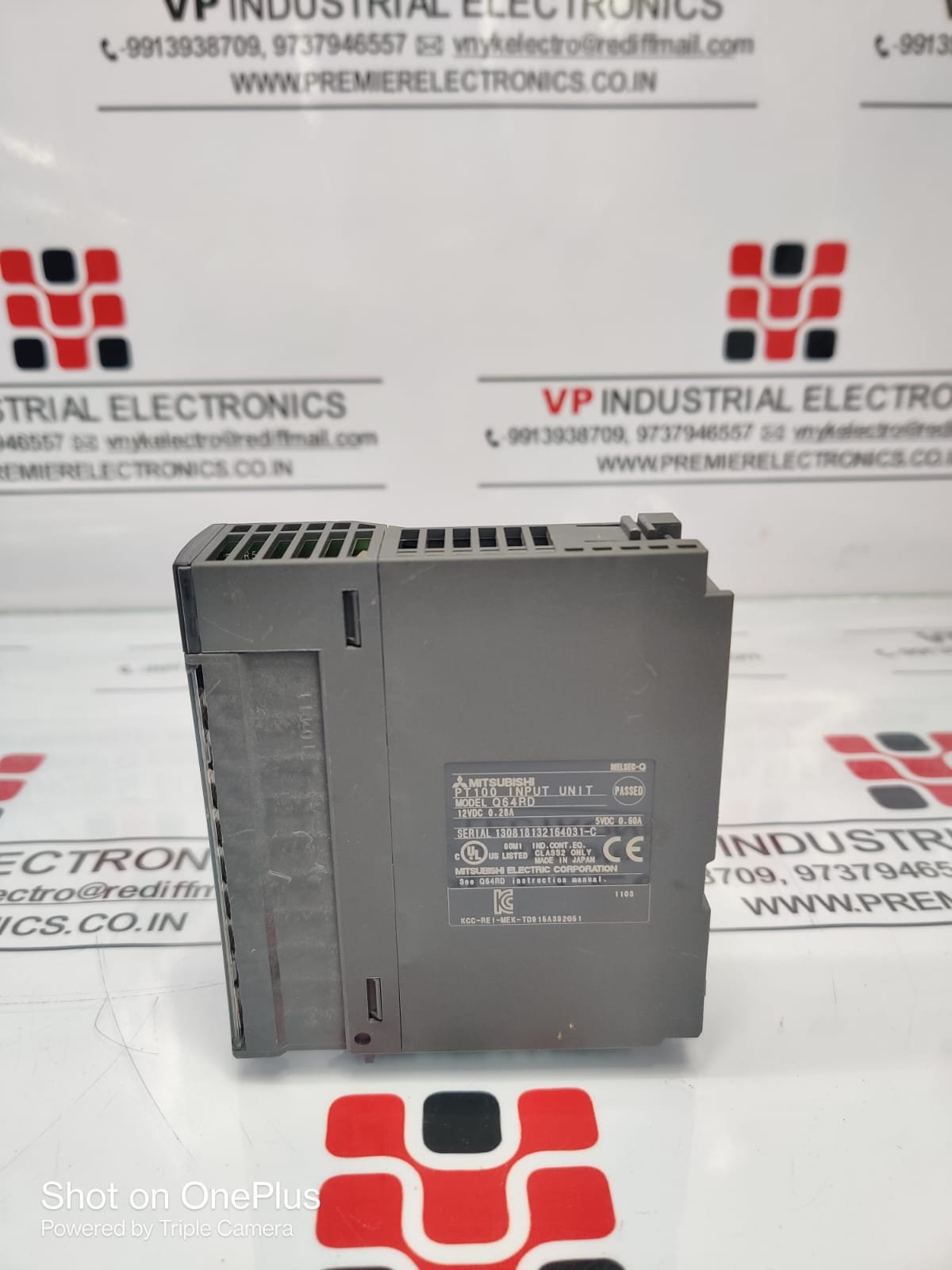
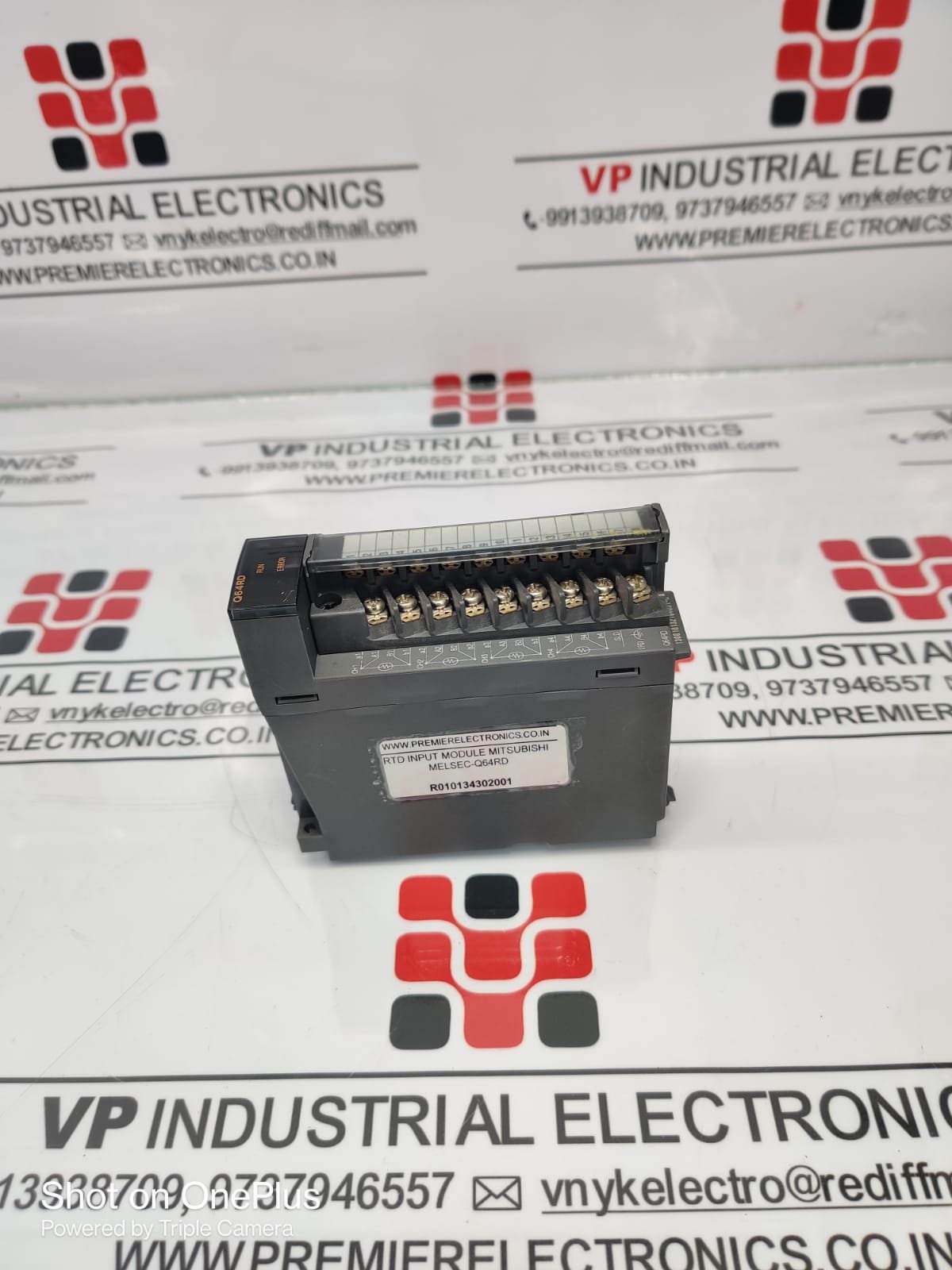
MITSUBISHI PLC INPUT MODULE MELSEC-Q64RD
Category: PLC
MITSUBISHI PLC INPUT MODULE MELSEC-Q64RD: Product Name: MITSUBISHI PLC INPUT MODULE MELSEC-Q64RD Input Points: 64 points Input Types: – Digital Inputs: Compatible with a wide range of digital signals, such as switches, push buttons, limit switches, and proximity sensors. – Voltage Inputs: Supports analog voltage signals within specified voltage ranges. Input Voltage: – Digital Inputs: 24V DC – Voltage Inputs: Configurable within specified voltage ranges (e.g., 0-10V) Input Response Time: – Digital Inputs: Typically nanoseconds, ensuring real-time responsiveness. – Voltage Inputs: Depends on the analog-to-digital conversion speed of the module. Isolation: – Digital Inputs: Optically isolated to prevent signal interference. – Voltage Inputs: Typically isolated to avoid noise interference. Compatibility: – Designed for seamless integration with Mitsubishi MELSEC PLC systems. – Supports communication protocols such as Ethernet and RS-232 for data exchange with the central control system. Operating Temperature Range: -10°C to 55°C (14°F to 131°F) Storage Temperature Range: -20°C to 75°C (-4°F to 167°F) Humidity: 5% to 95% non-condensing Mounting: DIN rail mounting for easy installation Dimensions: Typically follows standard DIN rail dimensions for PLC modules Certifications: – CE Marking – UL Listed Ruggedness: – Built to withstand vibrations and shocks common in industrial environments. – Designed to resist electromagnetic interference. LED Indicators: – Provides status indication for each input point, aiding in diagnostics and troubleshooting. Remote Monitoring: – Supports remote monitoring and control through compatible PLC software or HMI interfaces. Scalability: – Easily expandable by adding additional input modules to the existing setup. Please note that these specifications are based on general features typically found in Mitsubishi PLC input modules. For specific technical details and the most up-to-date information, it’s recommended to refer to the official product documentation or contact Mitsubishi Electric’s technical support.
Make an Enquiry